Headless desktop control for Linux

Control any Linux app —
with nobody at the keyboard.

phantom lets a script, a person, or an AI drive any app on a Linux machine: type into it, read what it shows, click — in the background, without stealing focus, even with no screen attached. One line to a socket does it.


A spectral figure dissolving into a stream of data that flows into an application window — an invisible operator entering a machine.
Local-only· No network· No AI inside· Driven by a person, a script, or an agent· Zero dependencies — one small Rust binary you can read

The gap

Wayland deliberately removed the seams automation lived in.

No global input synthesis, no screen scraping — for good security reasons. So the tools that drove the Linux desktop, xdotool and friends, stopped working, and nothing headless replaced them. phantom takes a different route: it sits on the connections an app already uses. That means it needs no screen, targets one window at a time, never steals your focus, and never asks the app to cooperate — it doesn't even have to know phantom is there.

What it does

Three verbs: act, sense, trace.

Everything is one short command sent to a socket — so a shell script, a chat bot, or a message from your phone can do it.

Act act

Type and click into a specific window — in the background, without moving your mouse or taking focus.

# into the window titled "code"
act @code type "git status"

Sense sense

Read the text a window is showing, or save a picture of just that window. No full-screen capture, no bringing it to the front.

sense @code intent
sense @code shot out.png

Trace trace

Watch the exact text a program reads and writes at the system-call boundary — and feed it input. For tools with no other interface.

phantom-trace -- somecommand

Quickstart

Drive a real editor in four lines.

A text editor shows the point best. The text appears in the window and a picture is saved — and you never touched it.

bash
# build — no dependencies to fetch
$ cargo build --release

# start phantom, then launch any app "through" it
$ ./target/release/phantom phantom-0
$ WAYLAND_DISPLAY=phantom-0 gedit

# from another terminal, drive that window
$ ./target/release/phantomctl list
@gedit  (gedit — Untitled Document 1)
$ ./target/release/phantomctl act   @gedit type "hello from a script"
$ ./target/release/phantomctl sense @gedit shot /tmp/gedit.png
saved /tmp/gedit.png  (just the window, no full screen)

How it works

It sits on connections the program already has.

No agent inside the app, no plugin, no accessibility API required. Three boundaries, all standard.

01 — the window connection

Become the screen server

Graphical apps talk to Wayland over a socket. Started with WAYLAND_DISPLAY=phantom-0, an app talks to phantom instead — which passes everything through to the real server, so the app looks and behaves as usual, while phantom reads its pixels and text and sends it keystrokes. Or run it with --headless and phantom answers Wayland itself — the app needs no real compositor at all.

A glowing application window with data flowing both into and out of it.
02 — the system-call boundary

Tap where meaning lives

A screen only ever shows finished pixels, never meaning. Where a program states what it actually wants is where it reads and writes data through the kernel. phantom-trace watches that boundary — and can change it.

A luminous horizontal boundary line with data streams crossing it and one bright tap point.
03 — a virtual keyboard & mouse

Input the kernel trusts

A fake input device the kernel treats as real hardware — so even the lock screen and text consoles accept it. Needs one udev rule, shipped in setup/.

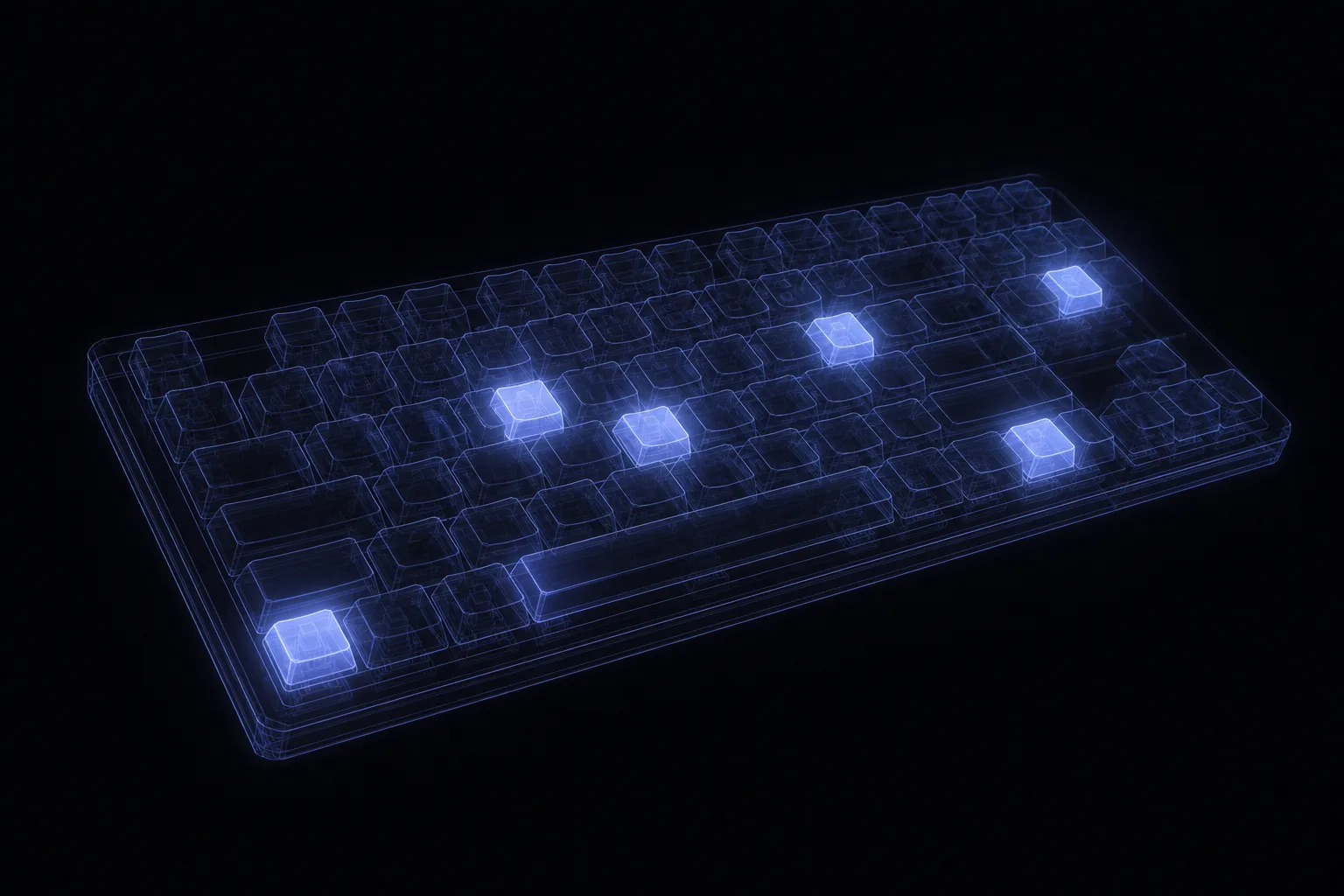
A translucent holographic wireframe keyboard with a few keys glowing as if pressed by nobody.

No third-party crates: the Wayland wire protocol and the system calls are written out by hand in src/wire.rs and src/sys.rs.

Where it fits

phantom is the foundation of a three-layer stack.

phantom makes the machine operable. It has no opinion about who operates it.

The operators
a persona scriptan AI agent
Whoever sends the command. All three are equal — phantom doesn't care which.
▼ sends commands to ▼
The operating
zyrkel + nano-zyrkel — the minimal bridge variant
An always-on layer that keeps phantom's commands available — including over Telegram — and brings an AI in only when a task needs one. Routine jobs stay plain scripts.
▼ runs on top of ▼
The operability
phantom
The layer that makes a Linux machine controllable at all. A socket, three verbs. No AI. No network. Zero dependencies.

You can run phantom entirely on its own. zyrkel is what you reach for when you want the machine to operate itself.

Status

Early, honest, and already useful.

phantom is version 0.0.1 — small on purpose. Here's exactly where it stands.

Working & tested

  • Being the display server itself — with --headless, phantom answers Wayland directly, so a real app connects and runs with no compositor at all
  • Driving a real app through the window connection — typing, reading its pixels and its text
  • The system-call tap and injection (phantom-trace)
  • The virtual input device, accepted down to the lock screen

Not done yet

  • Validating the headless buffer path (pixel read-back) on clean GPU hardware — the protocol handshake is already in
  • The script library in zyrkel